How to fix Developer Error On Android Firebase Login

Overview
Recently I had an issue with logging my users in my android app. The exception showed with error code 10.
Here is the step by step to fix it.
Get SHA1 of your application
On your machine, run
keytool -keystore path_to_your_key.jks -list -vYou will get a result like this
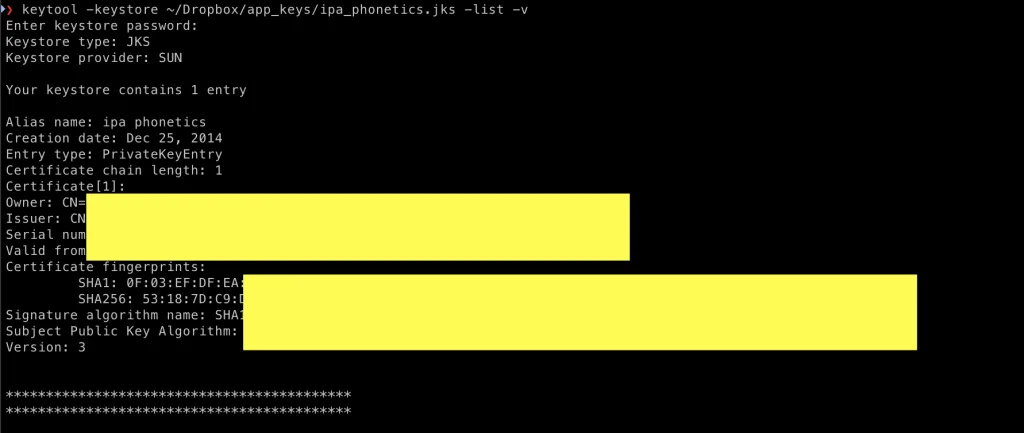
Copy your SHA1 key and go to firebase console.
Add your key in firebase console
Go to https://console.firebase.google.com/ and select your project, go to project settings and add your fingerprint
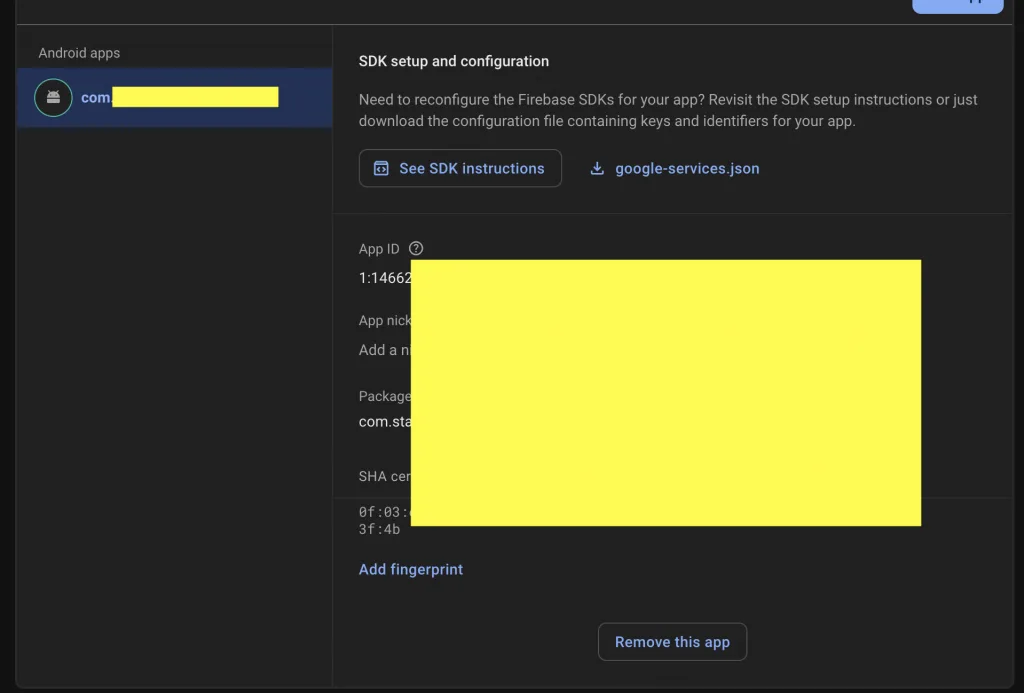
That’s it! Now your use can login with firebase.
Conclusion
In this post, I’ve shown you how to generate and add your SHA1 key to enable logging in with Google in your app.