Your first Scala program

When first learning something, we all want to see how it works. So, I’m going to create a quick program and run it so you can have your first bite of Scala.
In IntelliJ IDEA, right-click on the folder you want to create the class and select create new Scala class. In the next windows, make sure you select Object instead of Class
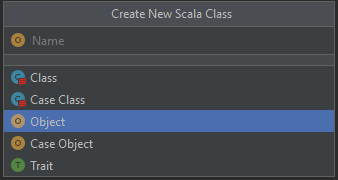
Create a new scala object
If you have a background in Java, you are familiar with public static void main. The following code is the equivalent of that:
package com.datmt.scala

object FirstProgram {
  def main(args: Array[String]): Unit = {
   print("Hello")
  }
}
When you run it, the console displays “Hello” as expected.
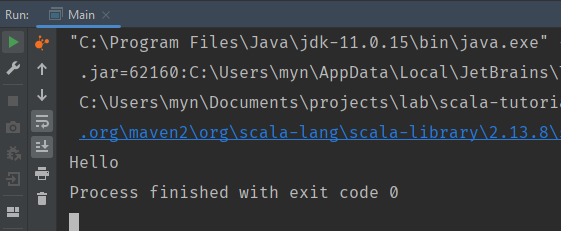
Running first Scala program
That’s your first program in Scala. It’s simple, isn’t it?